


“Having everything organized in one system makes it much easier to manage the volunteer program. I can quickly see what has been completed, what still needs attention, and where follow-up is needed.”
Nicole H. – Volunteer Coordinator

Your Data. Your Direction.
See what is happening across your volunteer program, identify where attention is needed, and make reporting easier to manage.
Hospice Docs brings volunteer activity, visits, forms, evaluations, assignments, time, and other program data into dashboards and customizable reports so coordinators and administrators can get a clearer view of the program without pulling information together manually.
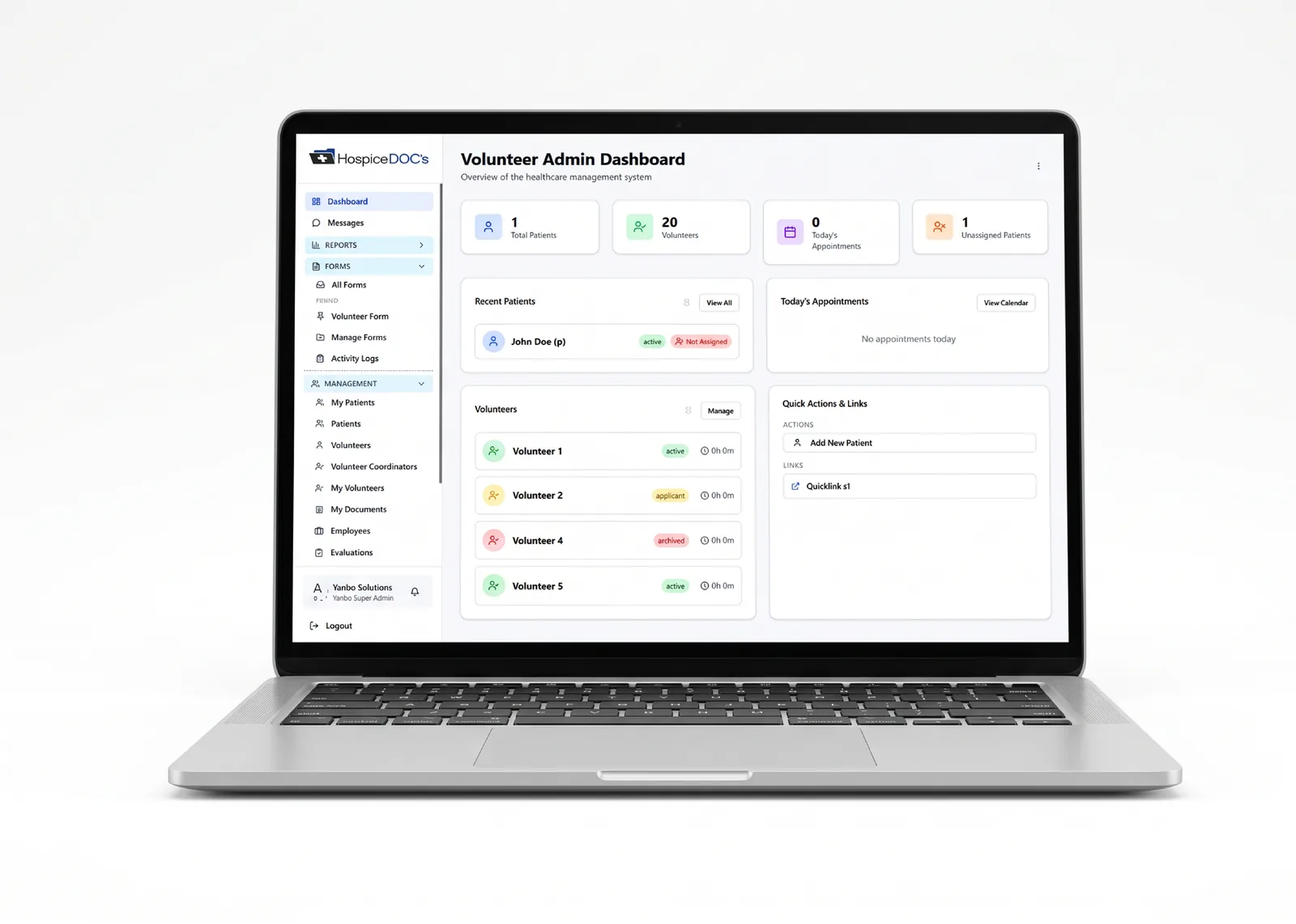
See What Is Happening Across the Program
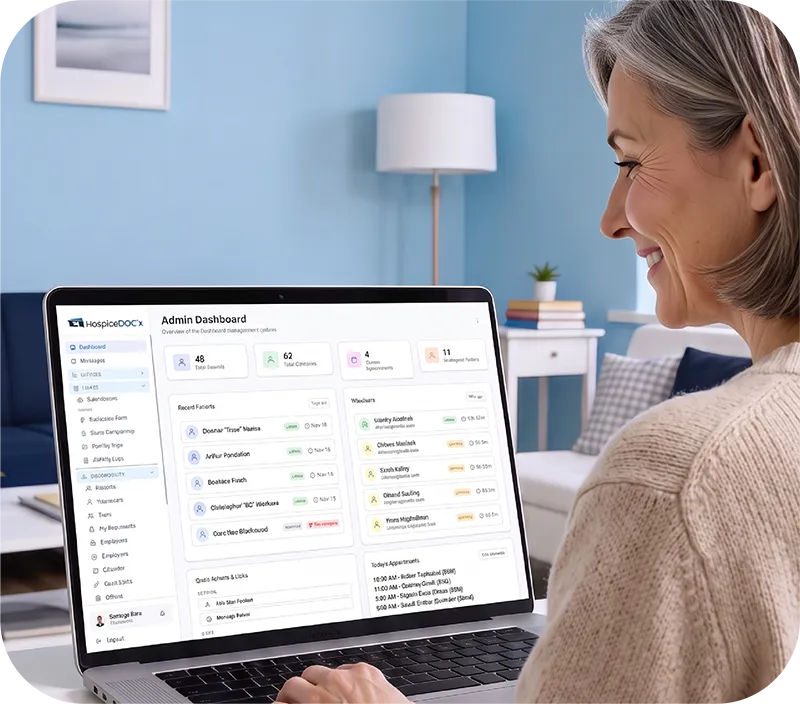
Hospice Docs dashboards give coordinators an at-a-glance view of key program activity, including active volunteers and patients, submitted forms, time submissions, daily activity trends, and form activity.
This helps coordinators quickly see what is happening across the program before digging into more detailed reports.
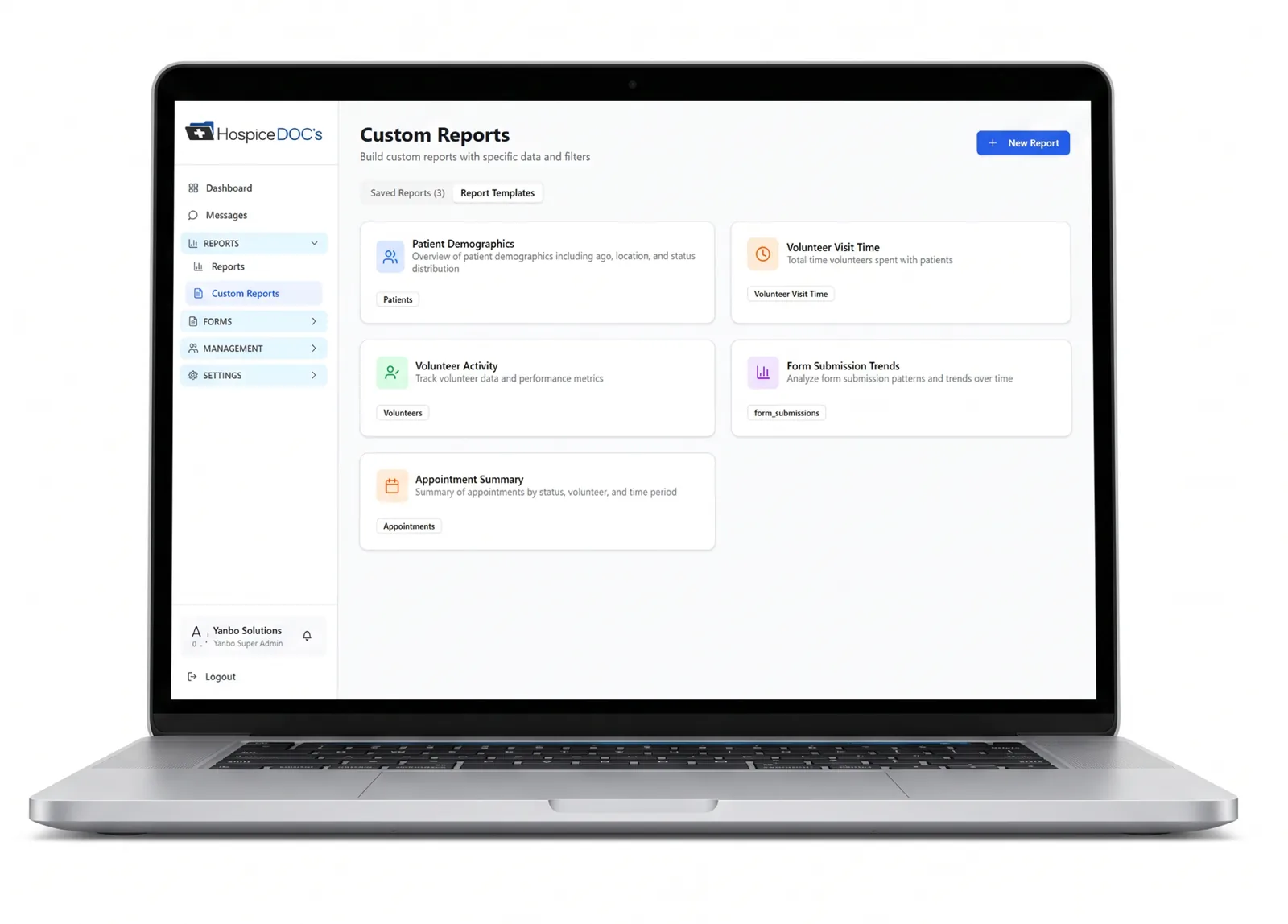
Build Reports Around the Information You Need
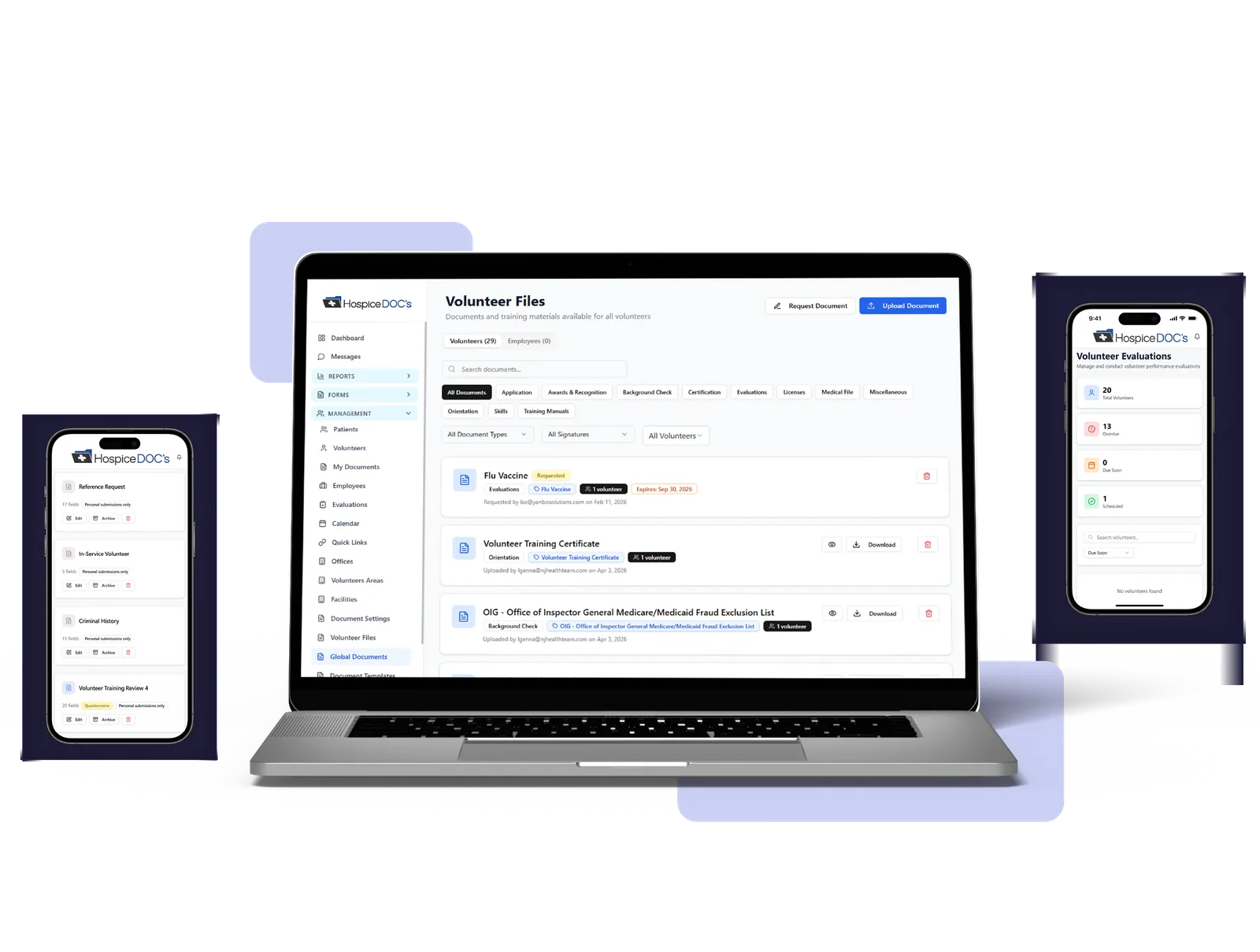
Hospice Docs lets coordinators build reports using different parts of the program, including volunteer records, patient records, visit activity, volunteer time, forms, evaluations, appointments, and training. This makes it possible to answer specific operational questions without reviewing each record individually.
Review Volunteer Activity & Service Time
Use reporting to better understand volunteer participation, visit activity, service time, and other contributions across the program.
This gives coordinators a clearer view of volunteer participation, where service activity is taking place, and how time is being contributed across the program.
Identify Where Follow-Up Is Needed
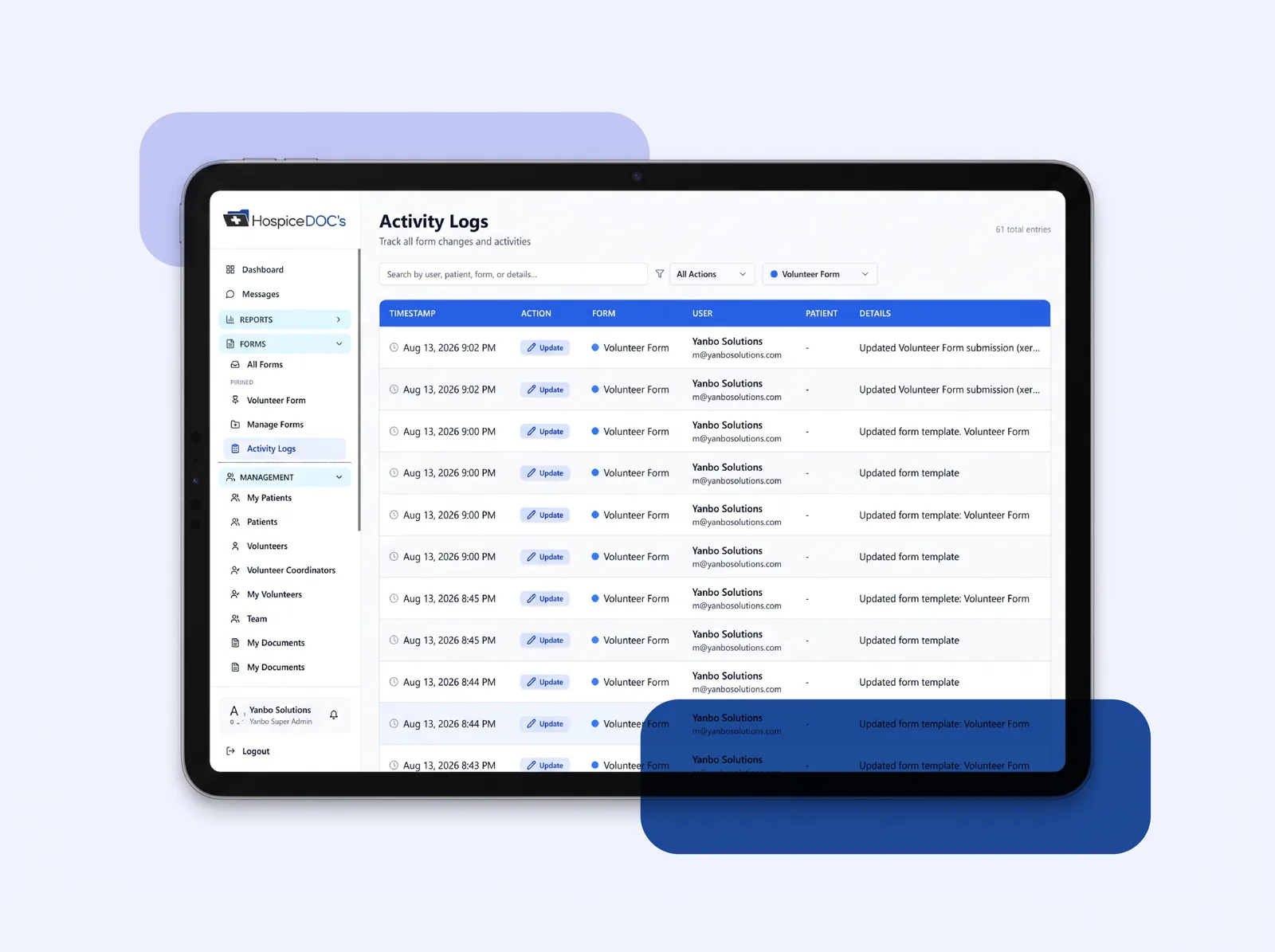
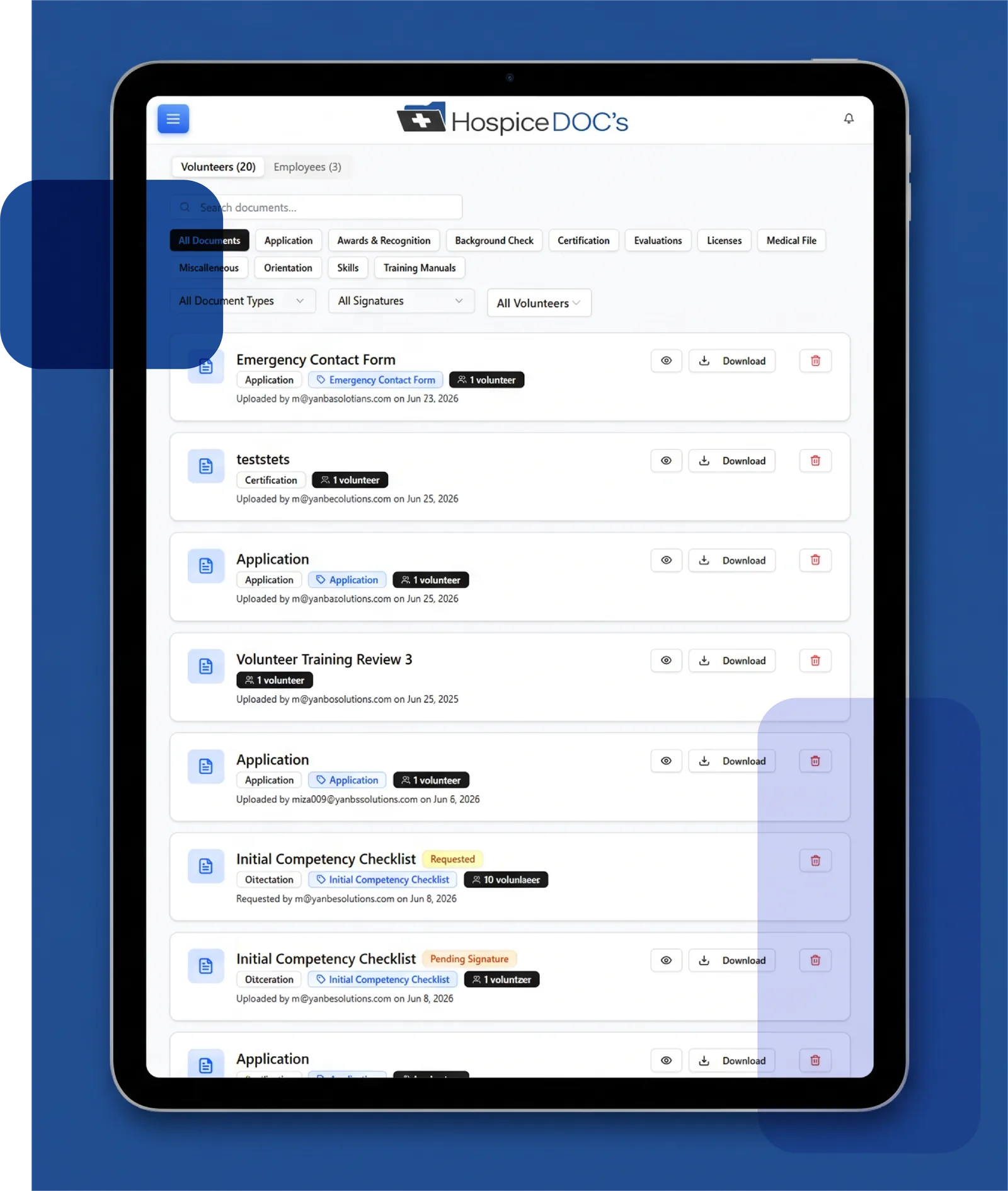
Reporting can help surface incomplete forms, overdue evaluations, training status, volunteer activity, and other program information that may require attention.
Instead of reviewing records one at a time, coordinators can use reports to identify trends, gaps, and areas that may need follow-up.

Review Information by Location
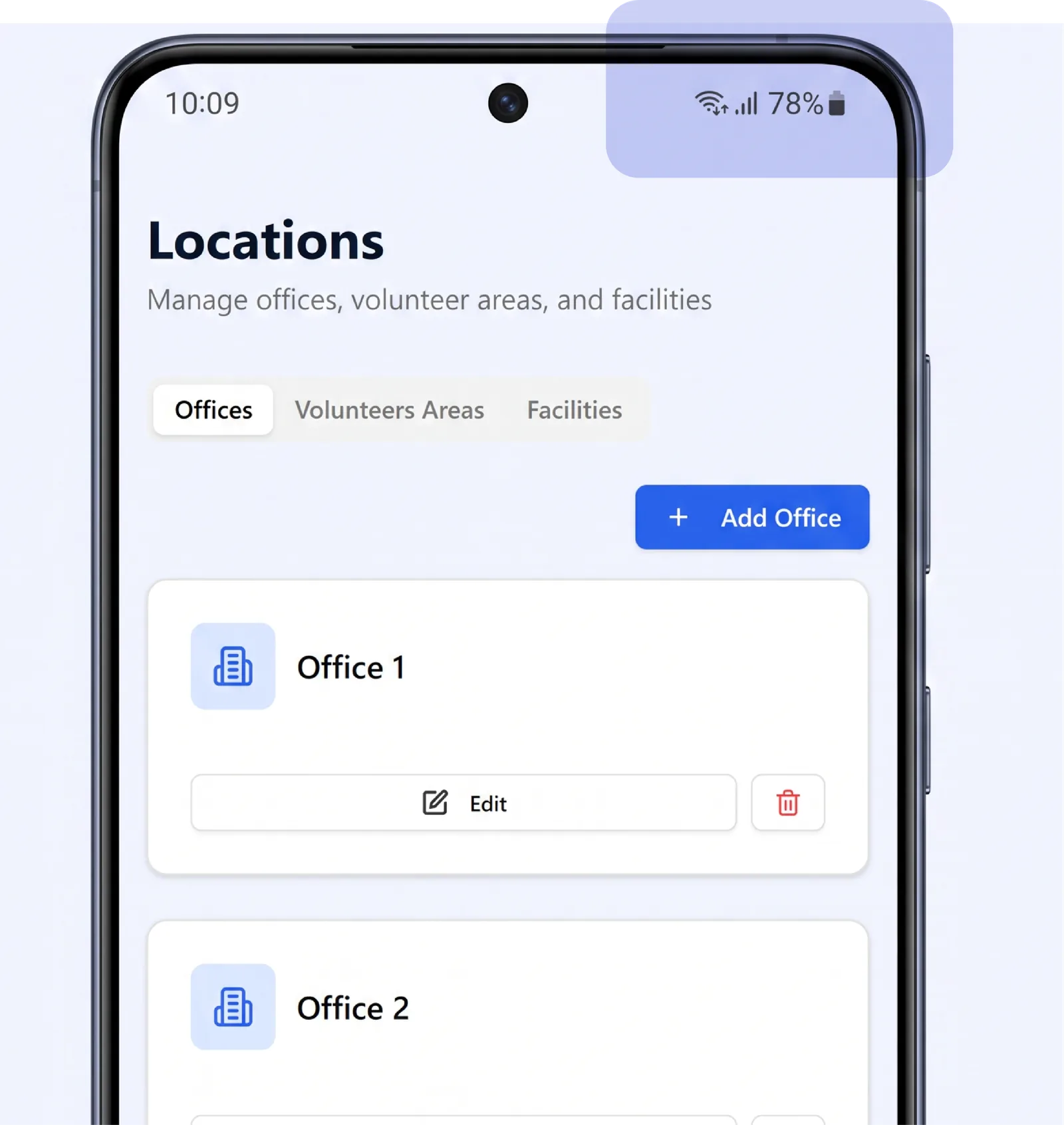
Multi-location organizations can filter and review reporting by office or location.
This helps administrators compare activity across different parts of the organization while giving local coordinators visibility into the programs they manage.
Save & Reuse Reports
Hospice Docs allows frequently used reports to be saved so coordinators can return to the same reporting view without rebuilding it each time.
Report templates also help make common reporting needs easier to manage.
Use Program Data for Oversight and Decision-Making
By bringing volunteer activity, visits, time, forms, evaluations, and other program information together, Hospice Docs gives coordinators and administrators a more complete view of program performance.
That visibility can help teams identify where attention is needed, support internal reporting, and make more informed decisions about the volunteer program.
See How Hospice Docs Simplifies Volunteer Program Reporting
The easiest way to understand Hospice Docs is to see it in action.
What to Expect?
- A clear, step-by-step walkthrough
- Real examples based on hospice volunteer workflows
- Answers to your questions
- No pressure or commitment
No technical experience needed.
We’ll guide you through everything.
Reporting & Program Oversight FAQ
Have questions about hospice volunteer reporting and program oversight? Find answers to common questions about dashboards, custom reports, volunteer activity, service time, evaluations, location-based reporting, and program visibility.
Hospice Docs lets coordinators build custom reports by selecting the area of the program they want to review, such as volunteers, patients, visit activity, volunteer time, forms, evaluations, appointments, or training. They can then choose the information they need and apply filters to create a report around a specific operational question.
Placeholder answer. Replace this text with the final answer for this question.
Placeholder answer. Replace this text with the final answer for this question.
Placeholder answer. Replace this text with the final answer for this question.
Placeholder answer. Replace this text with the final answer for this question.
Placeholder answer. Replace this text with the final answer for this question.
Placeholder answer. Replace this text with the final answer for this question.
Trusted by Those Who Care Most
Ready to Simplify Hospice Volunteer Management?
See how a more organized system can help your team reduce administrative strain, improve coordination, and better support both staff and volunteers.
Request a Demo