


“Having everything organized in one system makes it much easier to manage the volunteer program. I can quickly see what has been completed, what still needs attention, and where follow-up is needed.”
Nicole H. – Volunteer CoordinatorMulti-Location & Access Management
One Organization. Multiple Locations. One Clear View.
Request Your Free Demo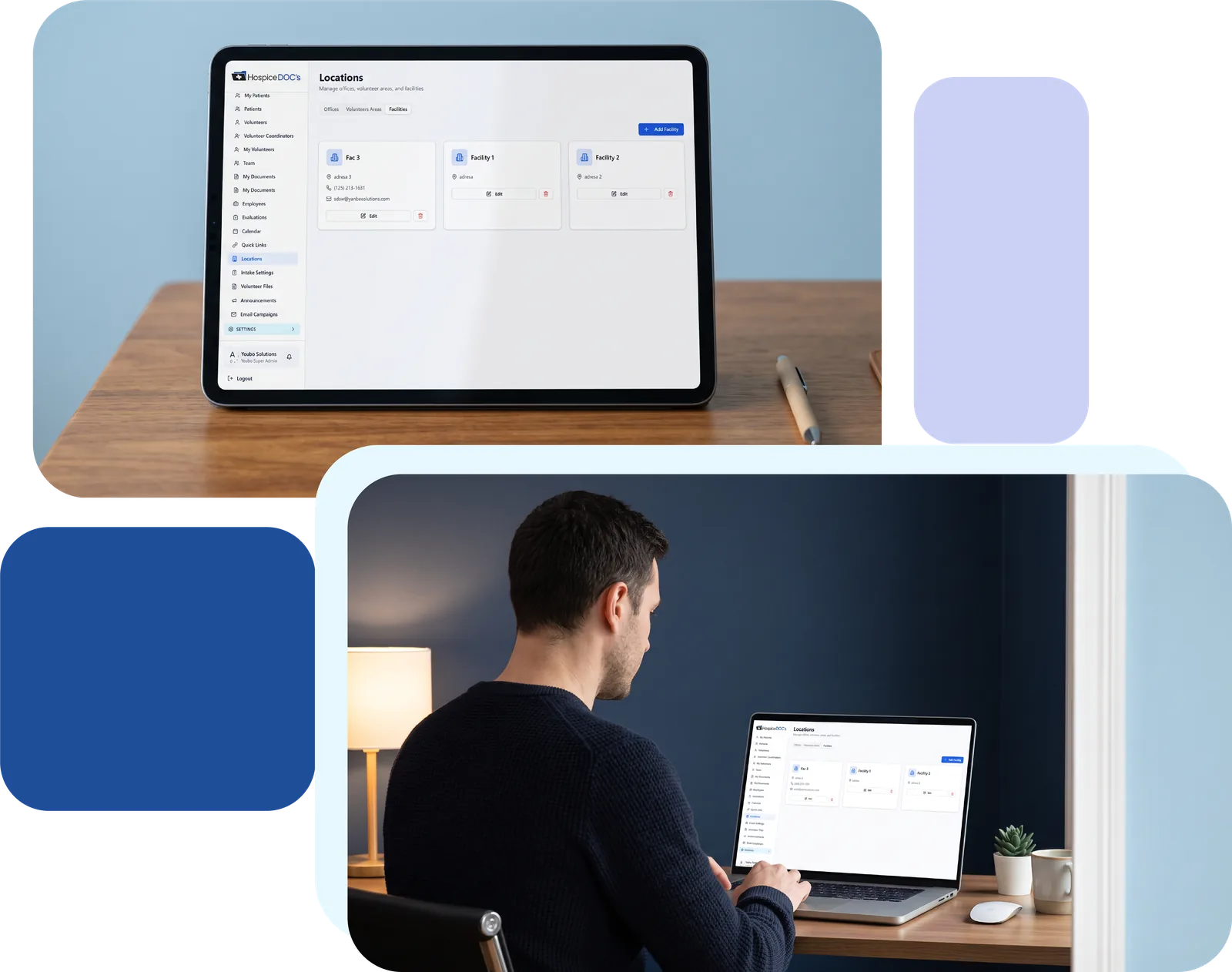
Manage Every Location With Confidence
Manage volunteer programs across multiple locations without losing visibility or local control.
Hospice organizations with multiple offices need a way to keep volunteers, patients, requirements, and reporting organized across locations while still giving local teams access to the information they need.
Hospice Docs helps administrators maintain organization-wide visibility while allowing coordinators to manage the locations they are responsible for.

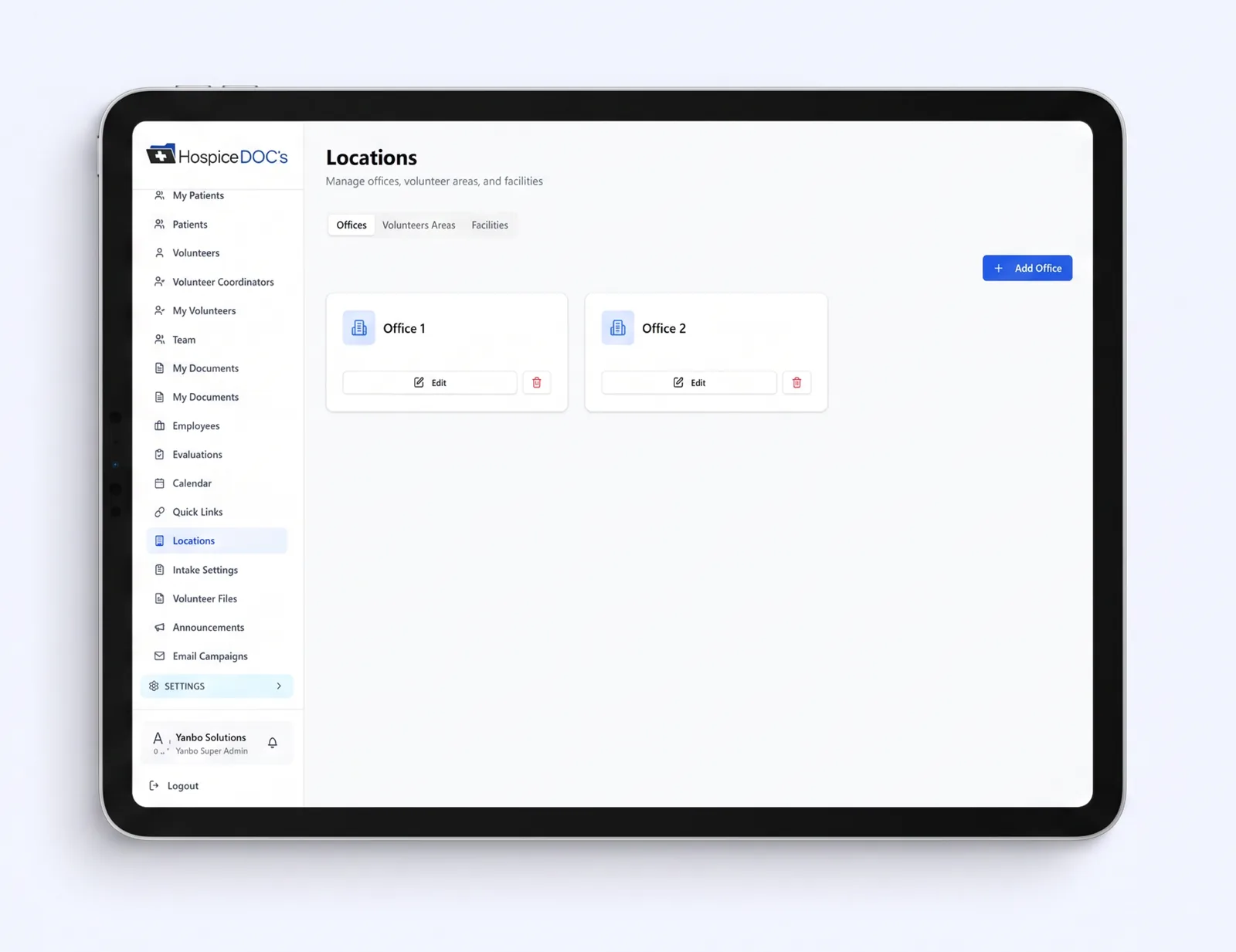
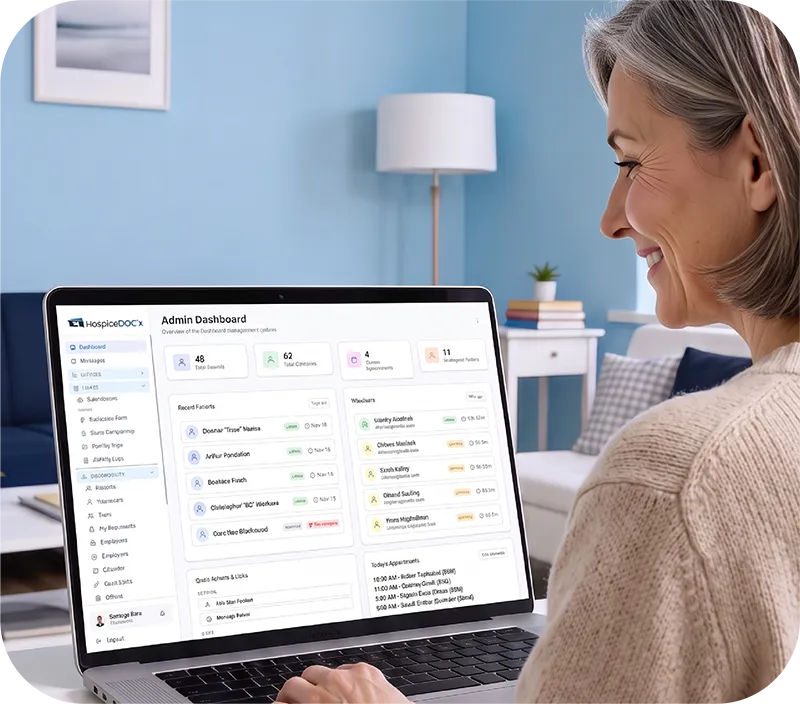
Manage Multiple Offices in One System
Set up and manage multiple offices within Hospice Docs instead of maintaining separate systems for each location.
Volunteers, patients, coordinators, requirements, and program activity can be organized around the appropriate office.
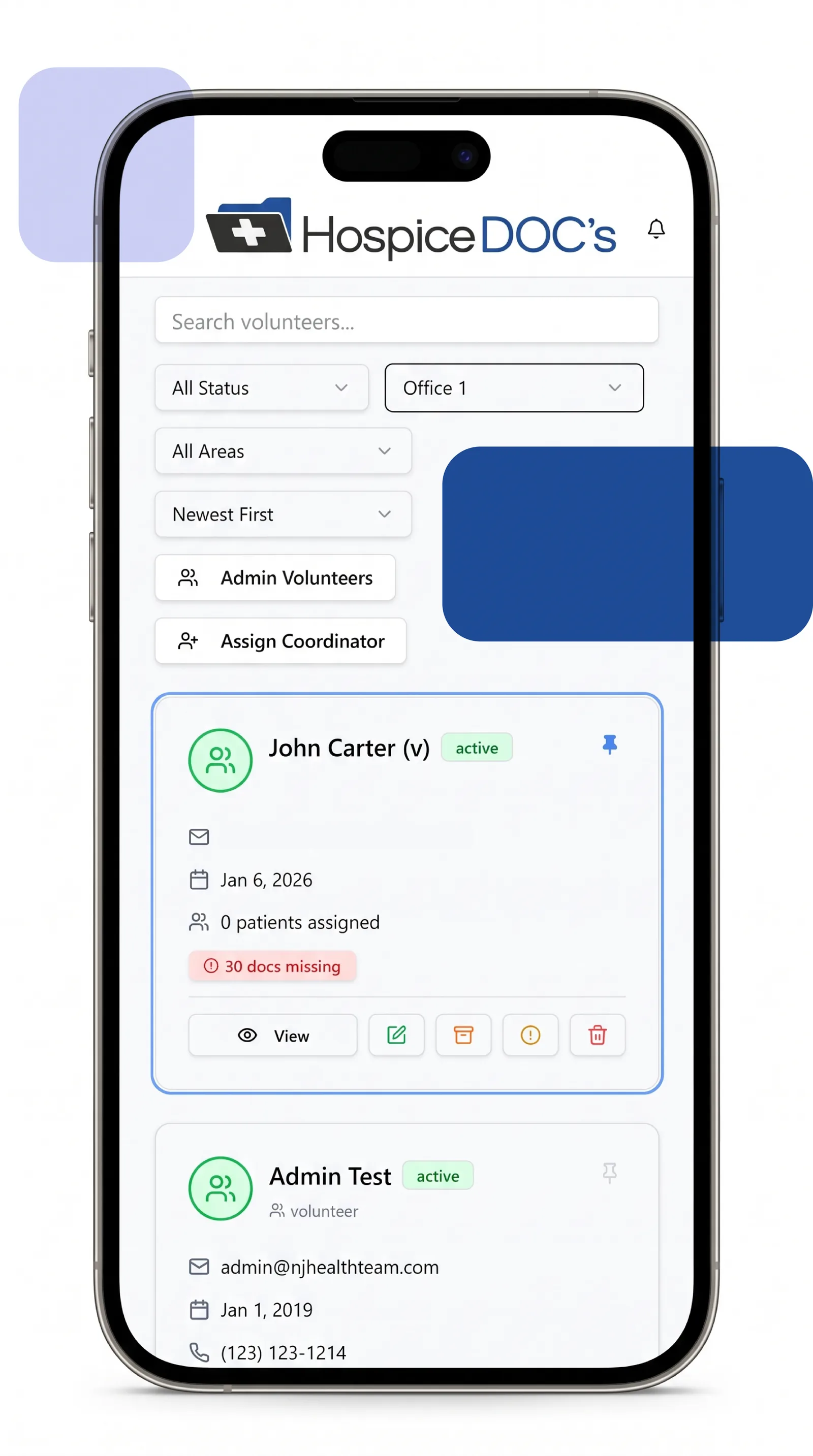
Assign Volunteers & Coordinators by Location
Volunteers can be associated with one or more offices, and coordinators can be assigned to the locations they manage.
This helps clarify responsibility and keeps local volunteer activity connected to the correct office.
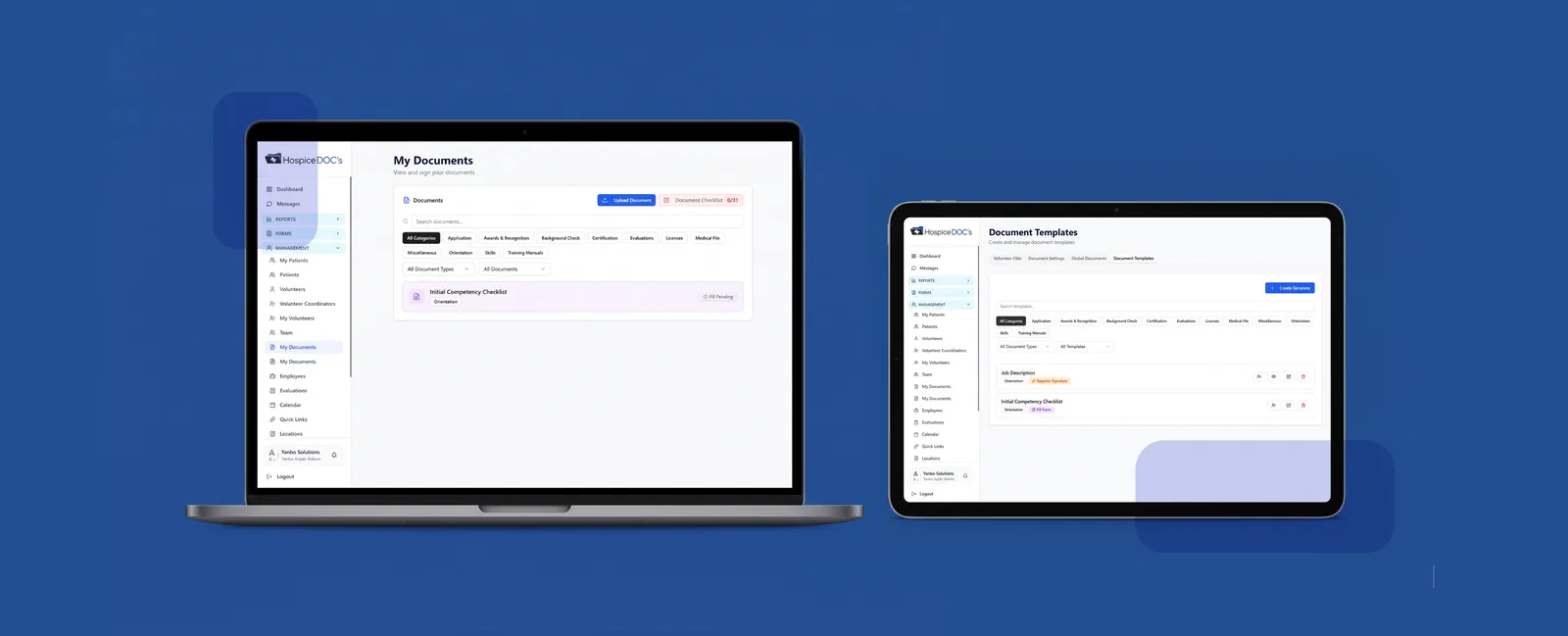
Keep Location-Specific Requirements Organized
Different offices may have different documentation, training, or operational requirements.
Hospice Docs helps keep those requirements connected to the appropriate location so coordinators can manage what applies to the volunteers they oversee.
Control Access by Location
Hospice Docs can limit access based on a user’s role and assigned location.
Local coordinators can work with the information relevant to their office, while administrators can maintain broader visibility across the organization.

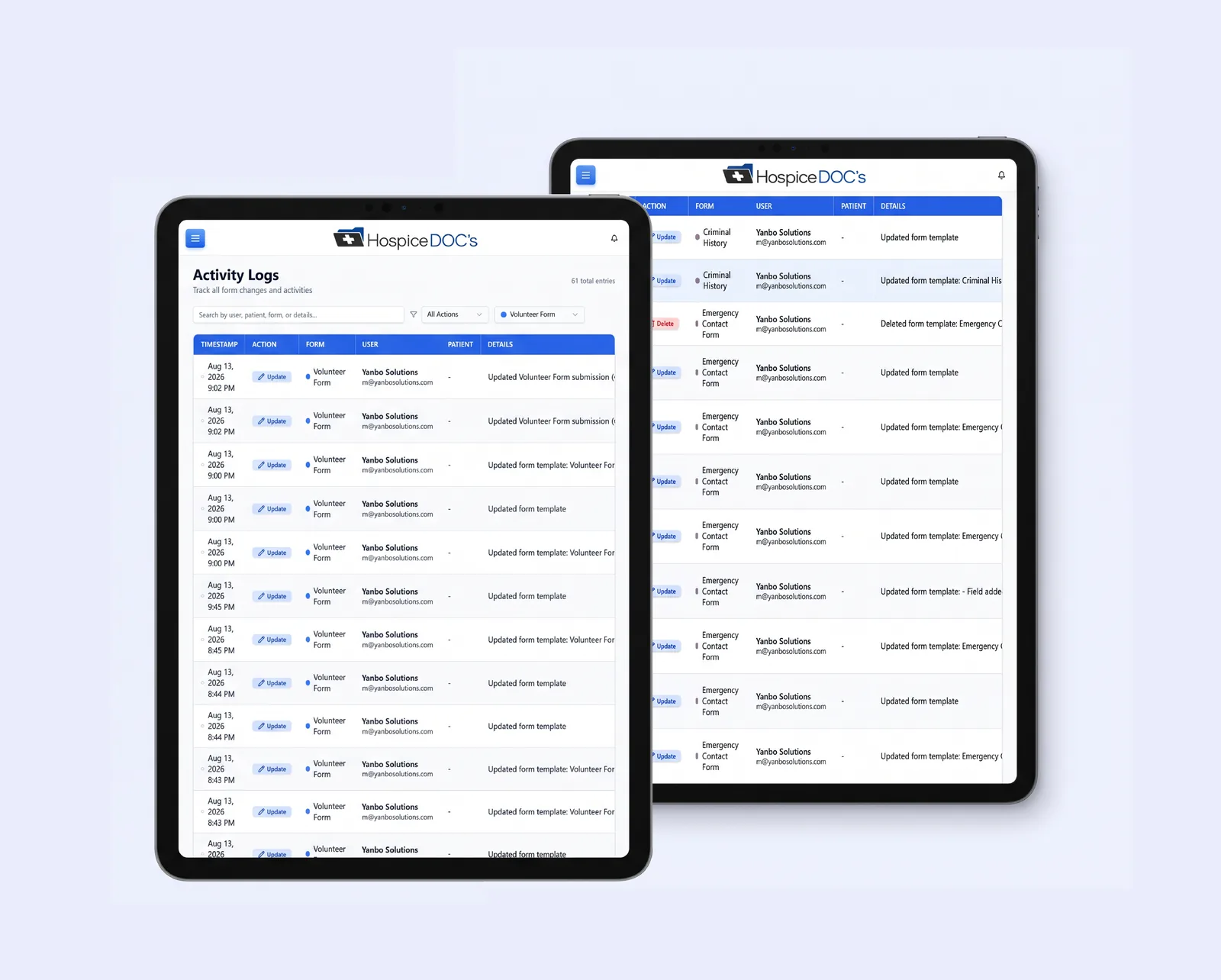
Review Activity Across Locations
Administrators can review program activity across multiple offices instead of relying on separate reports from each location.
This makes it easier to see what is happening across the organization and compare activity where needed.
Filter Reports by Location
Reporting can be filtered by office or location, allowing teams to review volunteer activity, evaluations, training, forms, and other program information for a specific part of the organization.
This gives both local coordinators and administrators more useful reporting views.

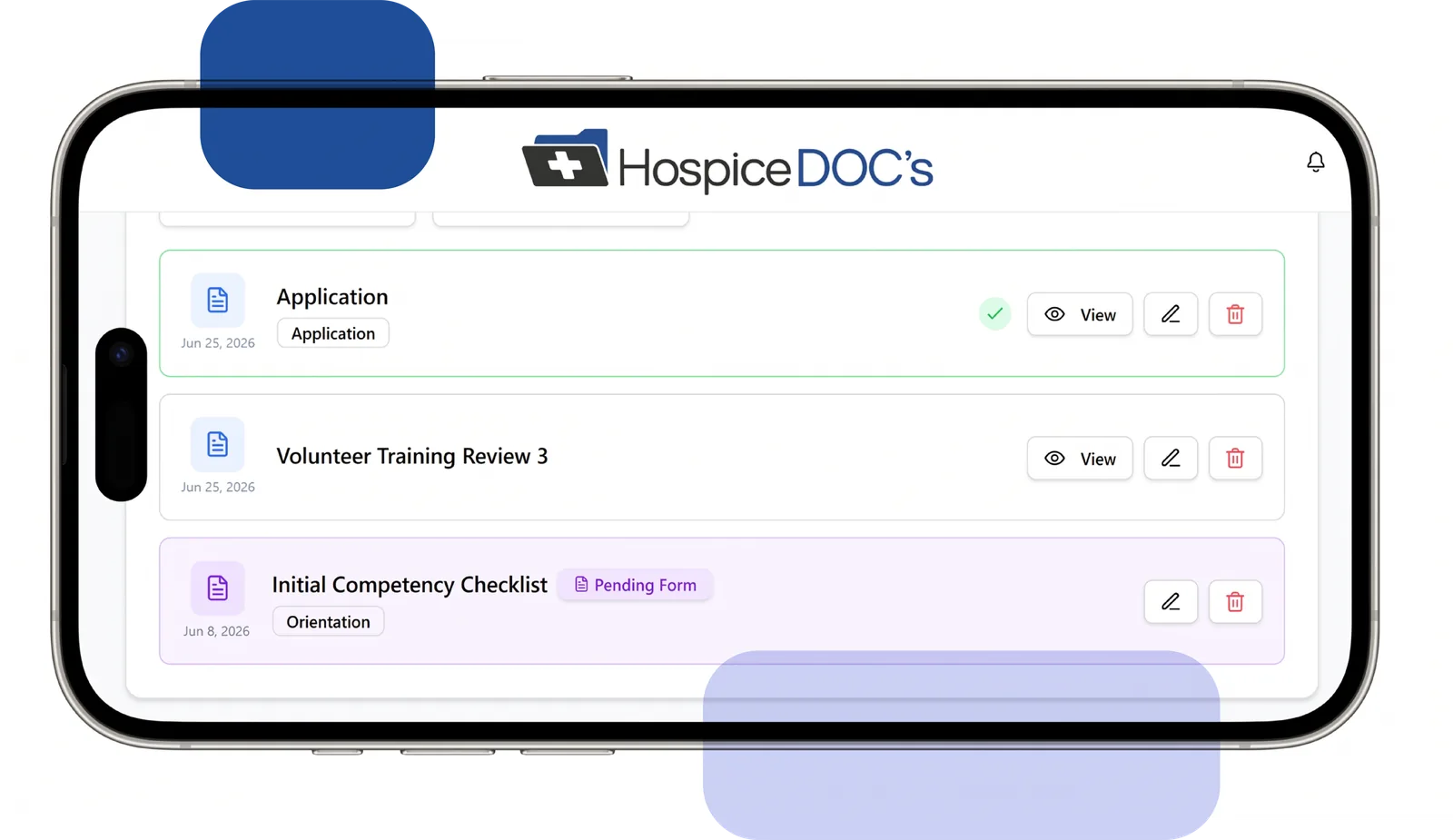
Target Communication by Location
Announcements can be directed to volunteers associated with a particular location, helping coordinators communicate with the people who need the information without sending the same message to the entire organization.
See How Hospice Docs Simplifies Multi-Location Volunteer Management
The easiest way to understand Hospice Docs is to see it in action.
What to Expect?
- A clear, step-by-step walkthrough
- Real examples based on hospice volunteer workflows
- Answers to your questions
- No pressure or commitment
No technical experience needed.
We’ll guide you through everything.
Multi-Location & Access Management FAQ
Have questions about managing hospice volunteer programs across multiple locations? Find answers to common questions about offices, coordinator assignments, location-based access, reporting, requirements, and communication.
Yes. Multiple offices can be managed within the same Hospice Docs organization.
Placeholder answer. Replace this text with the final answer for this question.
Placeholder answer. Replace this text with the final answer for this question.
Placeholder answer. Replace this text with the final answer for this question.
Placeholder answer. Replace this text with the final answer for this question.
Placeholder answer. Replace this text with the final answer for this question.
Placeholder answer. Replace this text with the final answer for this question.
Placeholder answer. Replace this text with the final answer for this question.
Trusted by Those Who Care Most
Ready to Simplify Hospice Volunteer Management?
See how a more organized system can help your team reduce administrative strain, improve coordination, and better support both staff and volunteers.
Request a Demo